

“AI Disruption” Publication 10,200 Subscriptions 20% Discount Offer Link.

Grok Build now offers a 7-day free trial.
The reason I use Grok as my primary tool is simple: speed. Once you’ve experienced Grok, it becomes very hard to tolerate the output of other models.
Grok Build focuses on two main models: Composer 2.5 and the newly released Grok 4.5.
Grok 4.5 directly competes with Opus 4.8. It offers native full multimodality and is currently the most balanced model available — bar none.

Grok Build also features the most mature TUI/CLI interface on the market right now. It seamlessly supports Claude Code workflows with zero migration required — you can reuse your entire existing workflow directly.
However, it does have some differences compared to other CLIs. Below are my personal Grok Build usage notes and recommended workflow:
Installing Grok Build
1. macOS, Linux, and WSL
curl -fsSL https://x.ai/cli/install.sh | bash
2. Windows PowerShell
irm https://x.ai/cli/install.ps1 | iex
After installation, check:
grok version
grok update
View all commands:
grok --help
View current active model, rules, plugins, MCP, and config sources:
grok inspect
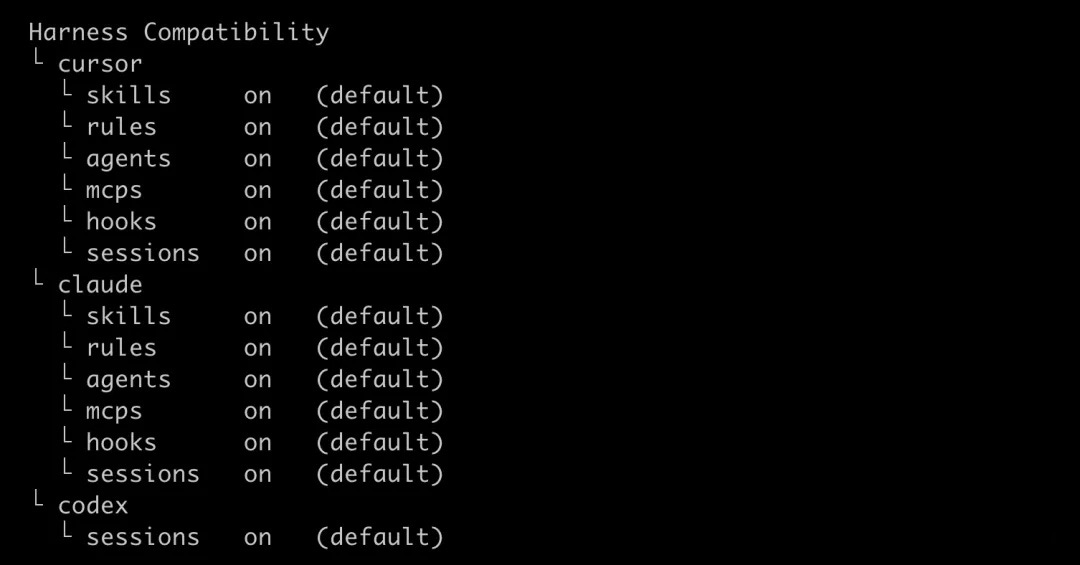
grok inspect is one of the most important commands for troubleshooting. If Grok ever stops working, run this first.
