

“AI Disruption” Publication 9800 Subscriptions 20% Discount Offer Link.
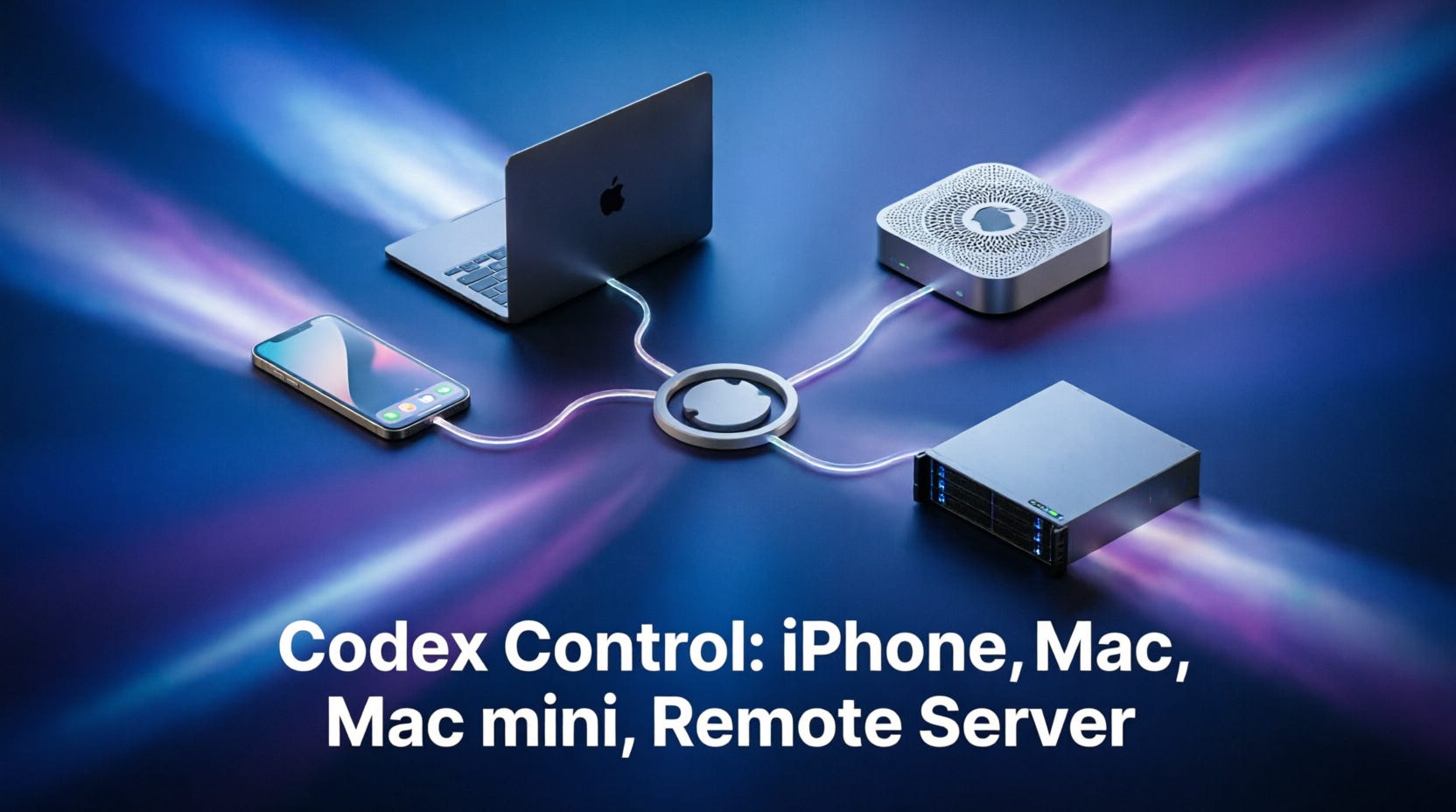
Codex “Connections” is mainly divided into three categories:
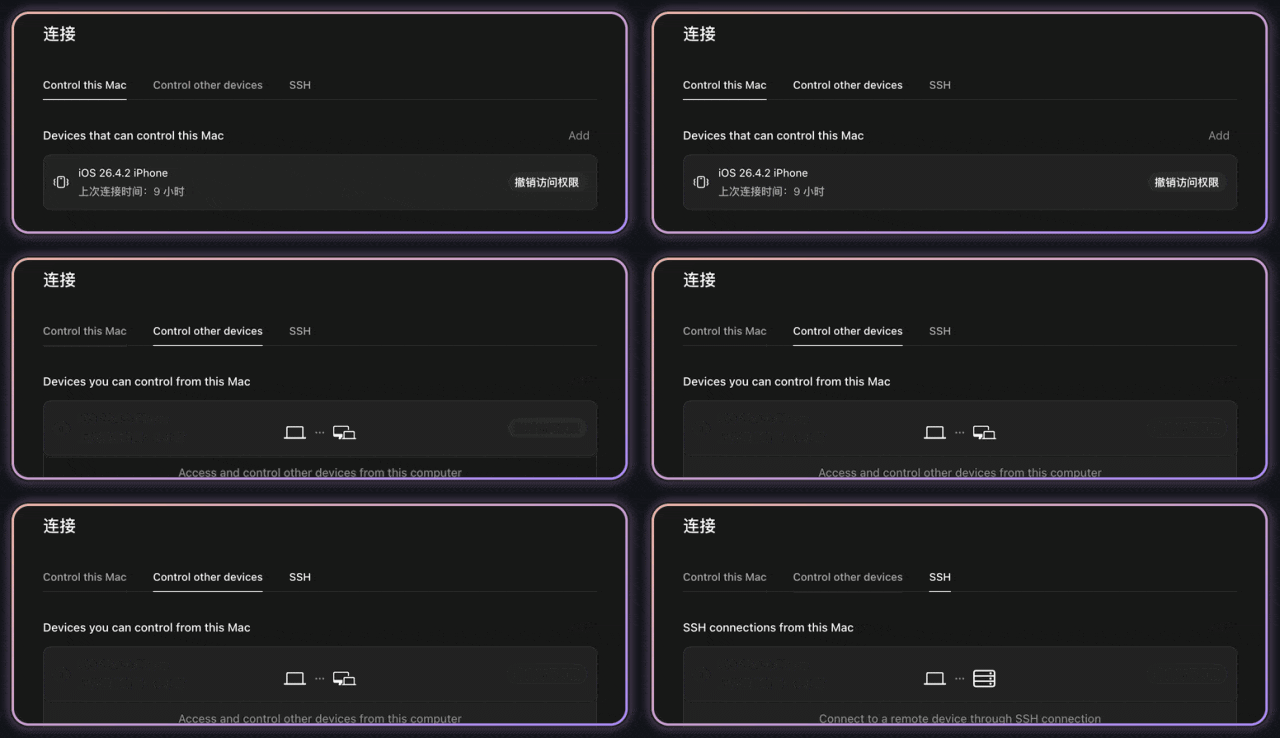
Once set up, you can grab your iPhone and work anytime, anywhere. Even while out shopping with your girlfriend and waiting for her, you can vibe-code. It effectively connects your entire development network through Codex, sharing context across devices — it’s insanely useful.
Below, I’ll explain in detail how to set it up. If you’ve already connected, feel free to skip this section.
1. Control this Mac
This means “Use this Mac as the Codex host, allowing your phone or other devices to control it.”
